Dependent Care FSA Receipts Belong in Billing, Not December
Dependent care FSA receipts don't have to be a December chore. What families need from your program, and how per-payment receipts end the year-end email pile.

Table of Contents
Every December the same email arrives, dozens of times: “Could you send me a statement for my FSA?” Dependent care FSA receipts feel like a year-end chore, so most preschool and day camp offices treat them as one, digging through bank deposits and old invoices to rebuild each family’s payment history by hand. That’s the wrong frame. Year-end receipt requests are a billing-design problem, and they get solved the day a family pays, not the week before winter break.
If every payment already produces a receipt carrying your Tax ID, the dates of care and the child’s name, families can file their own claims from their inbox. Your office stops being a records department. Good preschool enrollment software should make that the default rather than a project.
Why November is the month to fix this
November is benefits open enrollment for a lot of employers. Parents are deciding right now how much to set aside in a dependent care FSA for next year, and many are also realizing they still have this year’s claims to submit. Both groups end up in your inbox.
The first group wants to know whether your program counts and what paperwork they’ll get. The second group wants a document, today, that covers everything they paid since January. If your billing already answers both questions, the wave never really builds.
What families need on dependent care FSA receipts
Plan administrators differ, and families should always check with theirs, but a dependent care receipt or statement typically needs to show:
- Provider name and address. The legal name of your program and its physical address.
- Your Tax ID (EIN). This is the field families ask about most, and the one most often missing from a generic payment confirmation.
- Dates of care. The period the care covers, which is not always the same as the date the card was charged.
- The child’s name, so the claim ties to a qualifying dependent.
- Amount paid for that period of care.
- What it was for, such as “Pre-K mornings, September” or “Day camp, Week 3.”
Eligibility generally depends on the care being what lets the parents work (or look for work). That’s the family’s question to answer with their plan, not yours. Your job is to hand them a document that carries the facts.
Per-payment receipts beat a December spreadsheet
The December spreadsheet approach has a basic flaw: it reconstructs information that existed at the moment of payment and was thrown away. Someone exports transactions, matches them to children, guesses at service dates, types an EIN into a letter template and emails a PDF. Then a parent spots a missing installment and the whole thing starts again.
A receipt sent with each payment avoids all of that. The family already has a dated, itemized record for every charge, filed wherever they keep their email. When their plan asks for documentation, they forward it. Nobody on your staff touches it.
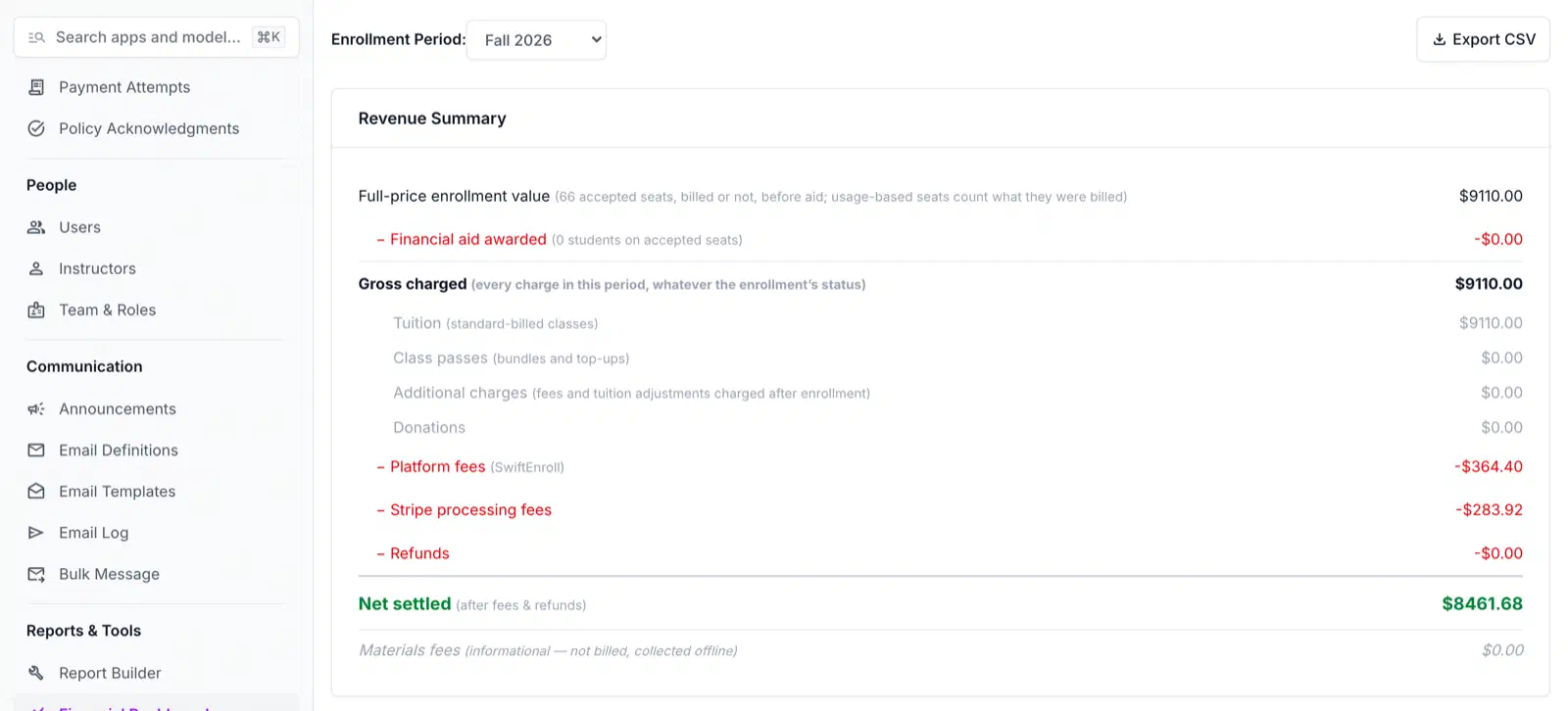
This is how SwiftEnroll handles it. Receipts are sent automatically with each payment and include your program’s Tax ID for dependent-care FSA claims. Every email SwiftEnroll sends is logged, so when a parent says “I never got the receipt for March,” staff can confirm what went out and resend it instead of recreating it.
One design choice matters more than people expect: name your sessions so the dates of care are in the name. Wherever the session name shows up for families, “Toddler Room, Fall Term (Sept-Dec)” tells them what the payment covered; “Toddler Room” alone doesn’t. It’s a quick fix that answers the dates-of-care question before anyone has to ask.
Deposits, installments, refunds and financial aid on receipts
Most of the messy FSA requests come from payments that aren’t a single, simple charge. A little thought up front keeps each of these clean.
Deposits. A deposit to hold a fall spot is often paid months before the care happens. Many plans reimburse only after care has been provided, so a family may not be able to claim a deposit right away. Label deposits clearly with the term they apply to, and the family can work out timing with their administrator.
Installments. With an installment schedule, each charge gets its own receipt. That’s a feature, not clutter: a family claiming month by month can match each receipt to the care it paid for. SwiftEnroll’s billing and payments run on Stripe, with deposits and installment schedules on the For-Profit plan, plus reminder emails. SwiftEnroll never stores card numbers.
Refunds. If you issue a full or partial refund from the admin dashboard, the family gets a refund notice. Families should claim what they actually paid, net of refunds, and that notice is the paper trail that shows it.
Sibling and other per-family discounts follow the same logic. What a family can claim is what they actually paid after the discount, not your list price, so make sure that’s the figure they’re looking at.
Financial aid is the edge case worth saying out loud. A family on full aid enrolls with a $0 payment, so there’s nothing for them to claim for that care. Being clear about this up front saves an awkward conversation in January.
Household accounts keep each child’s records straight
FSA claims are per child and per period of care, and families with two kids in different classes generate the most confusing requests. In SwiftEnroll, families enroll every child from one household account, and staff track payment status from the admin dashboard. When a parent asks which payment covered which child, the answer is a lookup rather than an email thread.
What to do this month
You don’t need a new system to make progress before the December wave. Start with these:
- Confirm your legal program name, address and EIN are correct everywhere they appear on receipts.
- Rename current and upcoming sessions so dates of care are in the name.
- Send a short note to families explaining what your receipts include and where to find them, timed for open enrollment.
- Write a one-paragraph reply for “can you send my FSA statement?” that points families to their existing receipts.
- Decide how you’ll label deposits for next year’s terms before registration opens.
If you’re weighing whether your current billing setup can carry this load, SwiftEnroll’s pricing is simple: $0 a month for non-profits and $3 per registration, plus standard Stripe fees. Either way, the fix is the same. Put the FSA facts on every receipt when the payment happens, and December gets a lot quieter.
Related Articles
Preschool Enrollment: Why Next Year Is Decided This Fall
Preschool enrollment for next September is decided in the fall. Open no-charge spot requests by age group now and plan capacity from real demand, not guesses.
Preschool Enrollment FAQ
Common questions about preschool enrollment — waitlists, lotteries, payment plans, and what enrollment software should handle for your program.
Summer Camp Registration FAQ
Common questions about summer camp registration: when to open, how waitlists work, payment plans, add-ons, and what to look for in camp software.
See your next season on SwiftEnroll
Twenty minutes with Joe, your real class list, no slides.